
Prepare a pass task
Choose a satellite, add it to tracking and keep an eligible task active.
Automatically record the workspace and authorized audio for eligible pass tasks, then save the file locally.
FOUR STEPS
Choose a satellite, add it to tracking and keep an eligible task active.
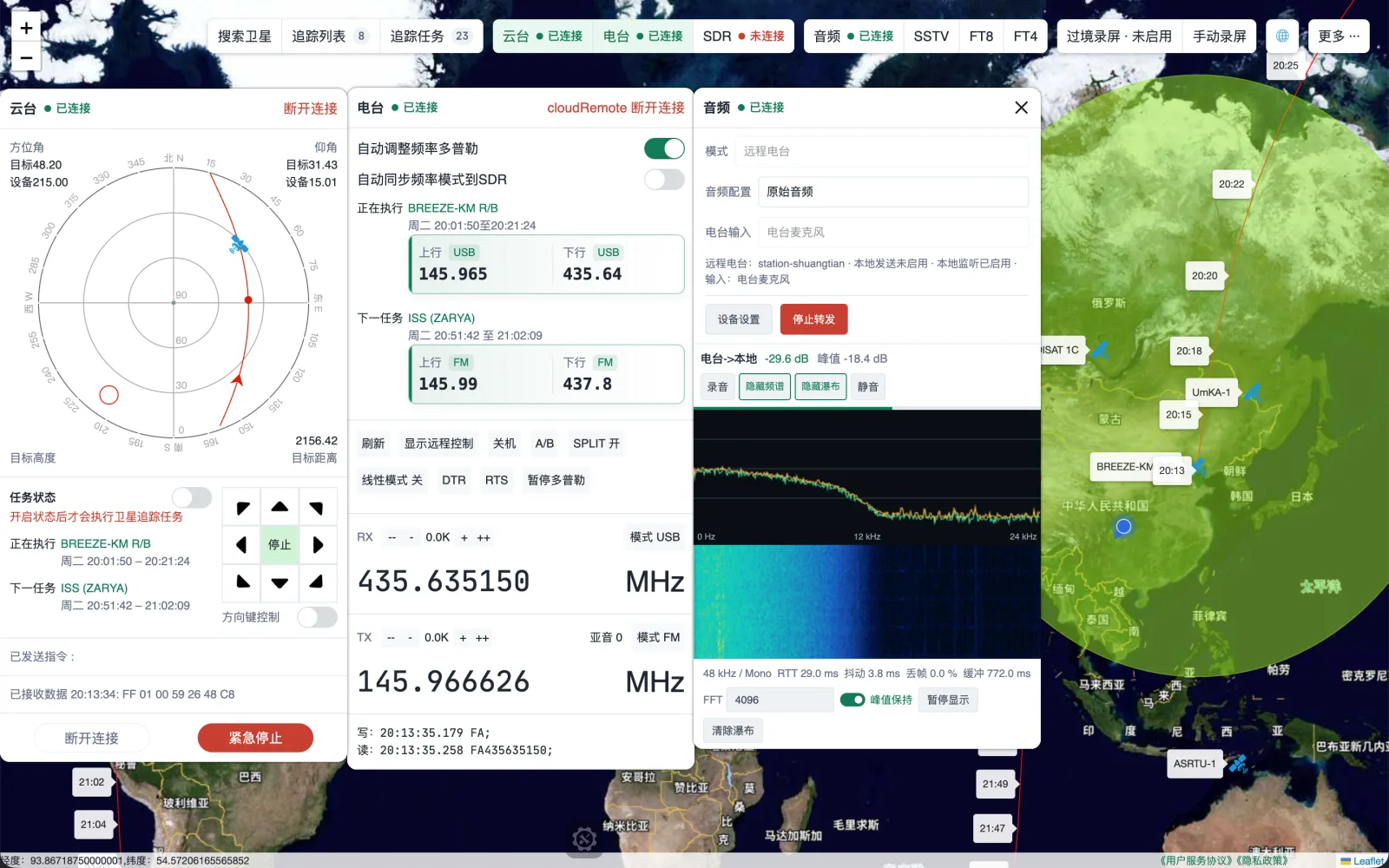
Choose format, folder and satellite, rotator, radio, audio and SSTV panels.
Arrange panels automatically or from a saved layout and record when the eligible pass begins.
The local filename includes satellite name, time and sequence.
RECORDING FACTS
ELIGIBILITY
Automatic recording is a desktop membership feature. Folder and capture permissions, recording enablement and an active eligible pass task are all required for Ready state and auto-start.
Direction tasks and GEO satellites do not trigger automatic pass recording. Manual recording is unaffected by the automatic-recording entitlement.